 Ghanesh RS
Backlog and Sprints: sprint planning on one screen
Teams planned across two pages and lost context every time they switched. I designed one three-pane workspace for epics, backlog and sprints.
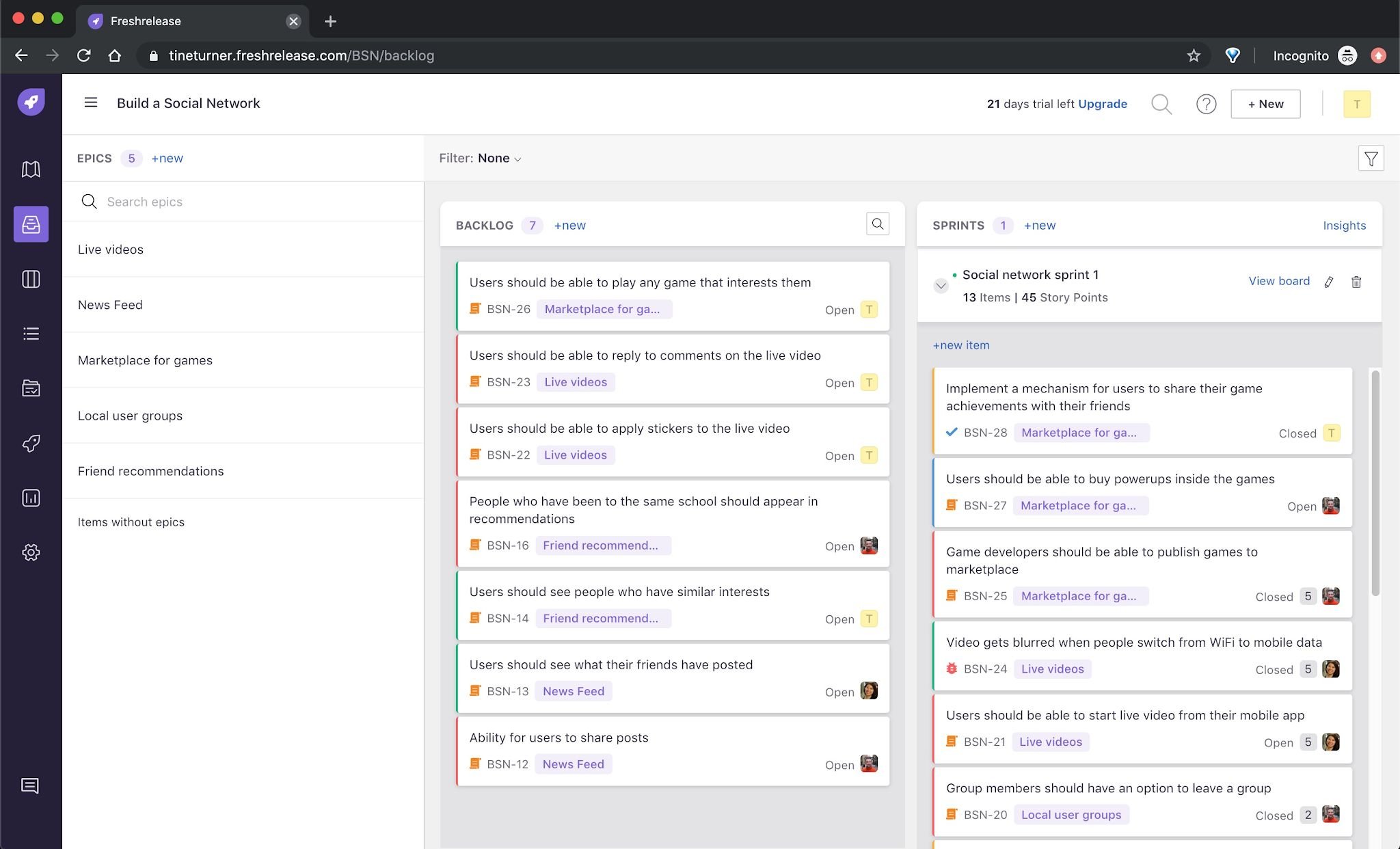
The planning core of an agile tool.
Freshrelease is Freshworks' agile project management product. Backlog and sprints is where teams decide what to build next, so if it is slow or confusing, everything after it suffers. I was the lead and sole designer, from discovery to testing.
Business goal
Get Freshrelease to product-market fit.
Product goal
Help teams ship quality software faster.
Feature goal
List top to-dos, break them into tasks, and prioritize them, easily.
Who plans here
Two pages, one long list.
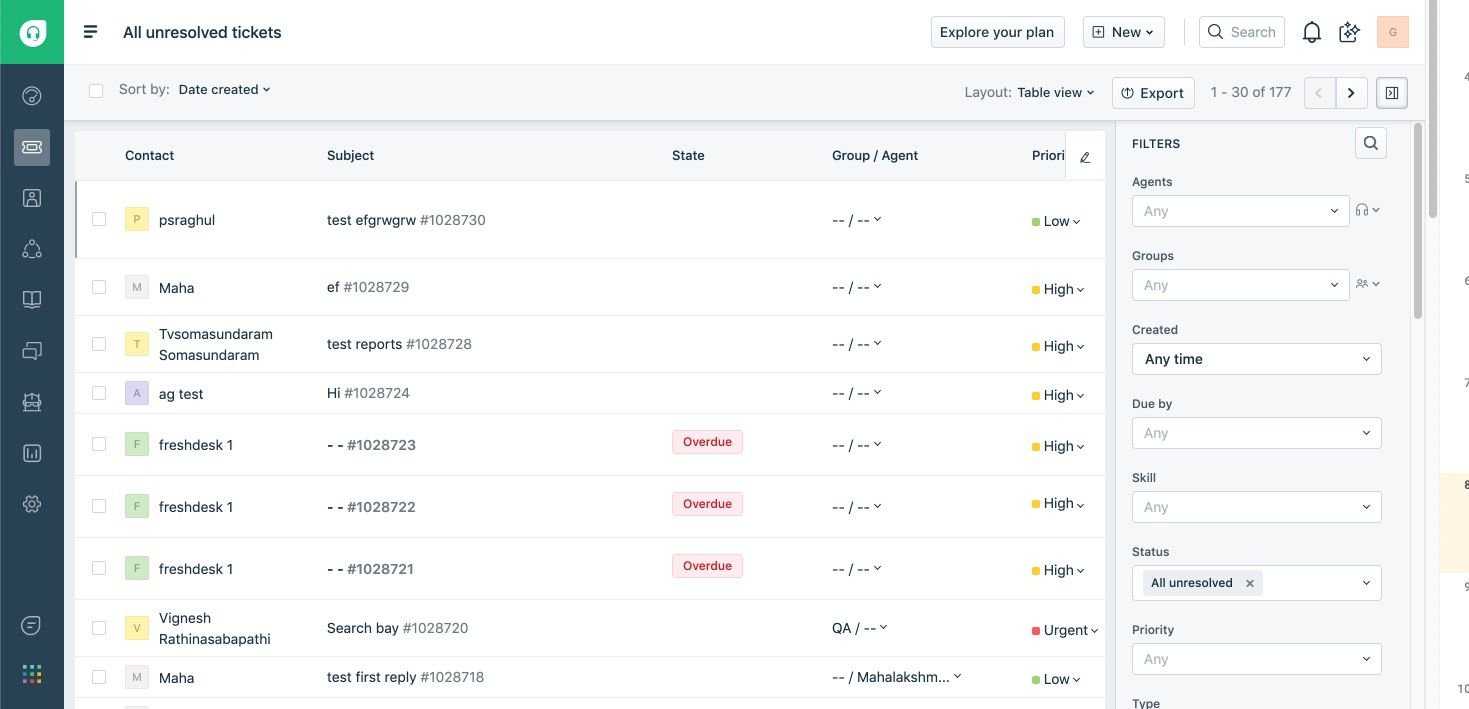
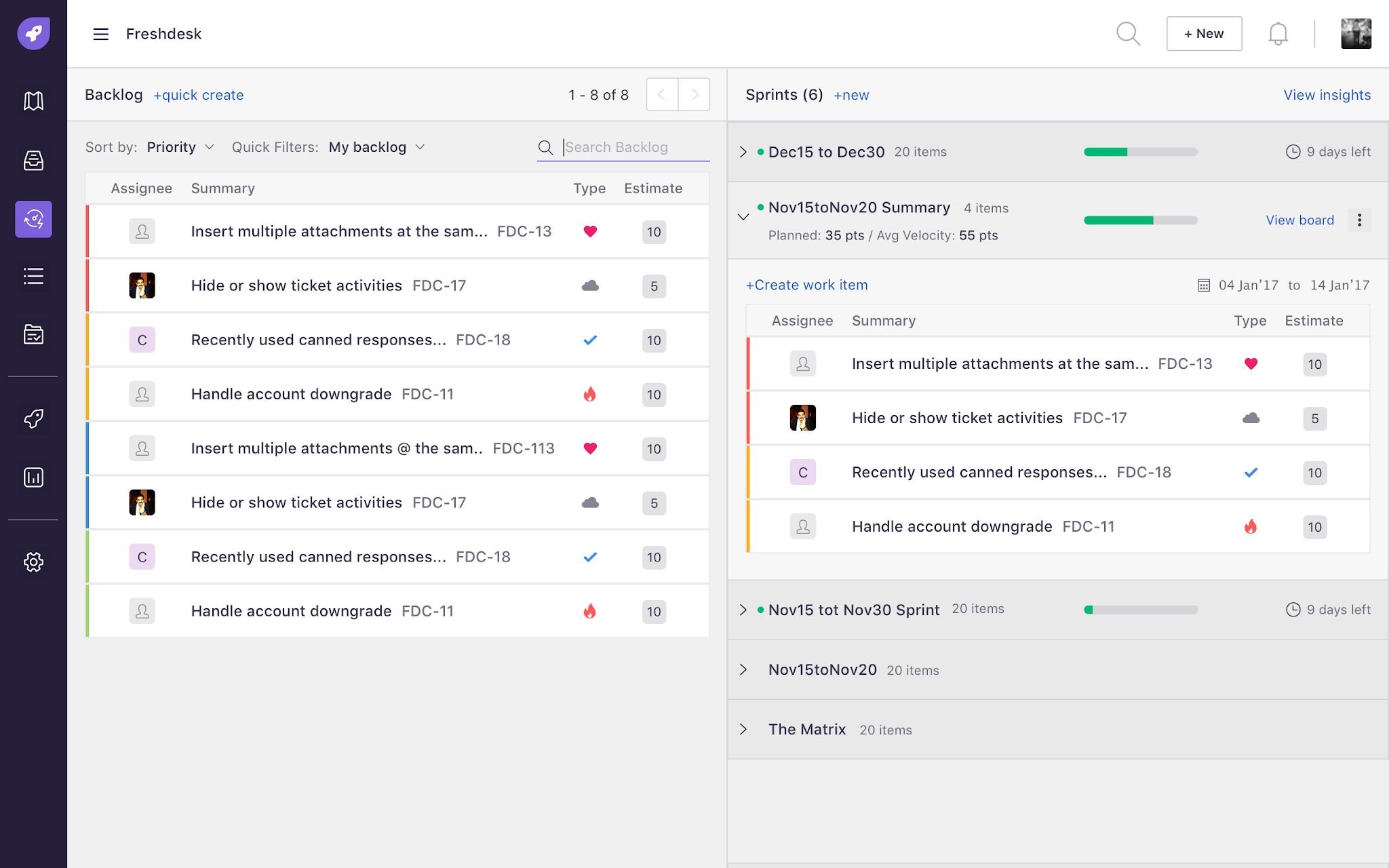
We first tracked work as a plain list inside Freshdesk. You couldn't prioritize, so the team moved to Jira. Version one of Freshrelease split planning into a backlog page and a sprint planning page.
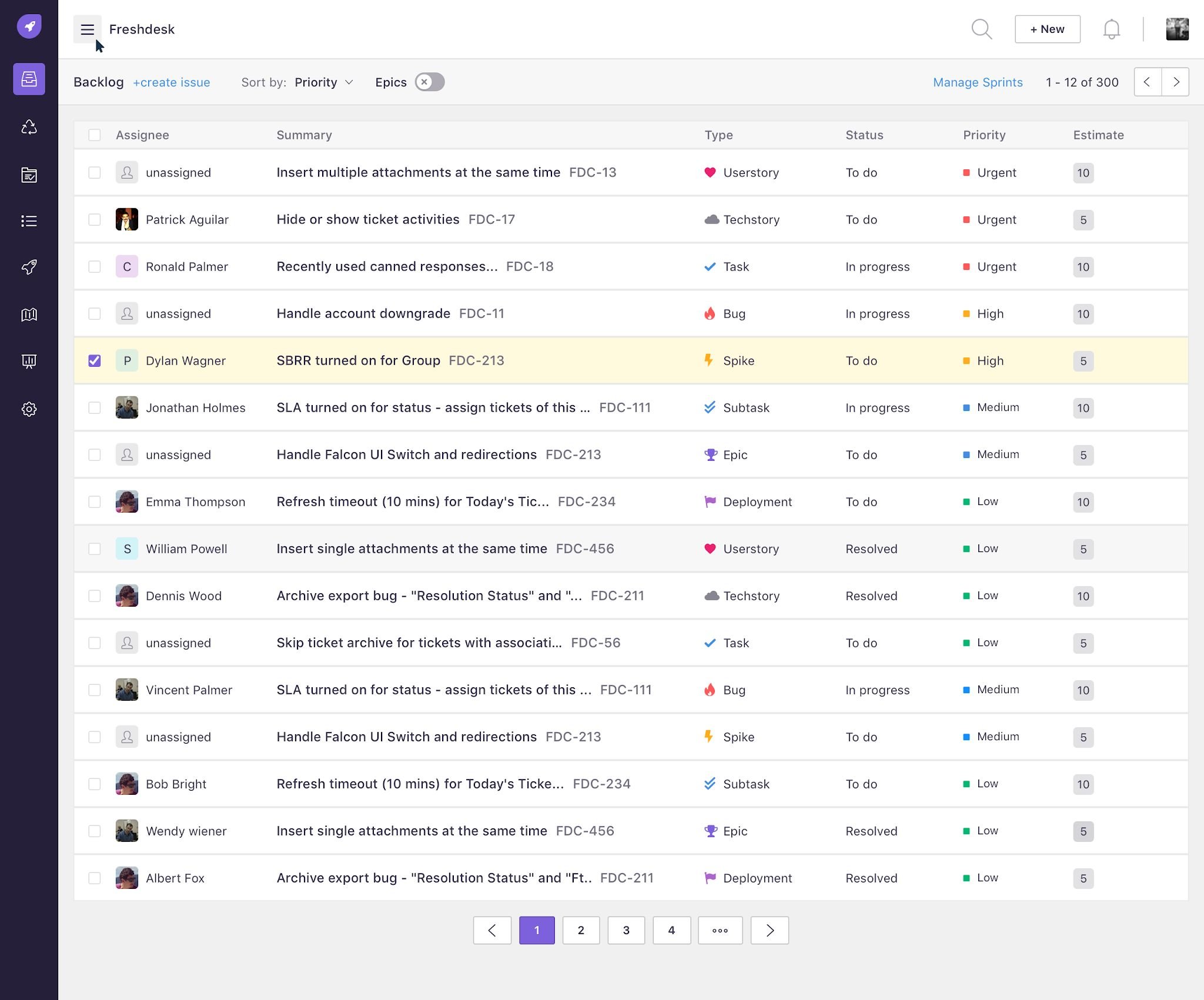
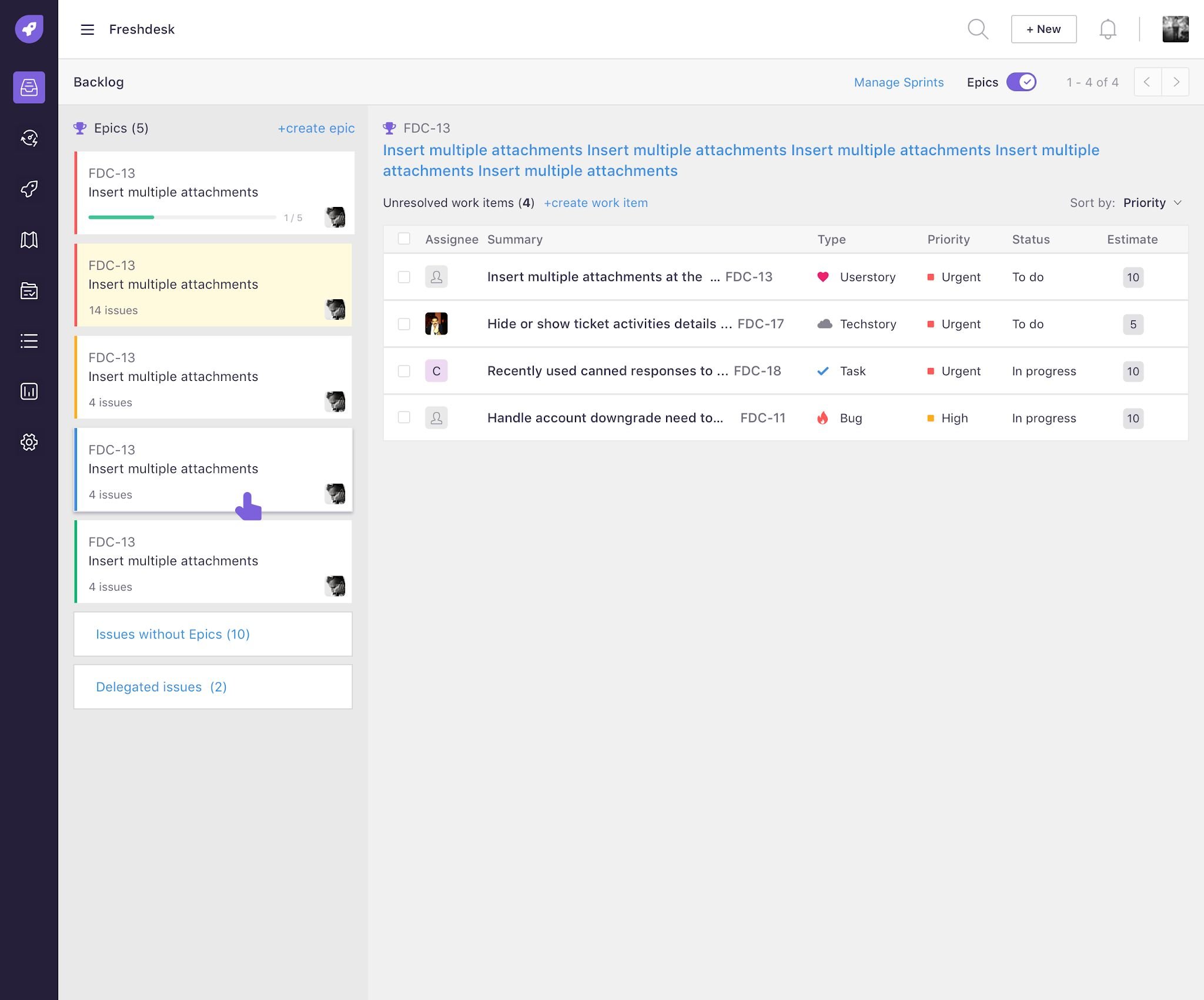
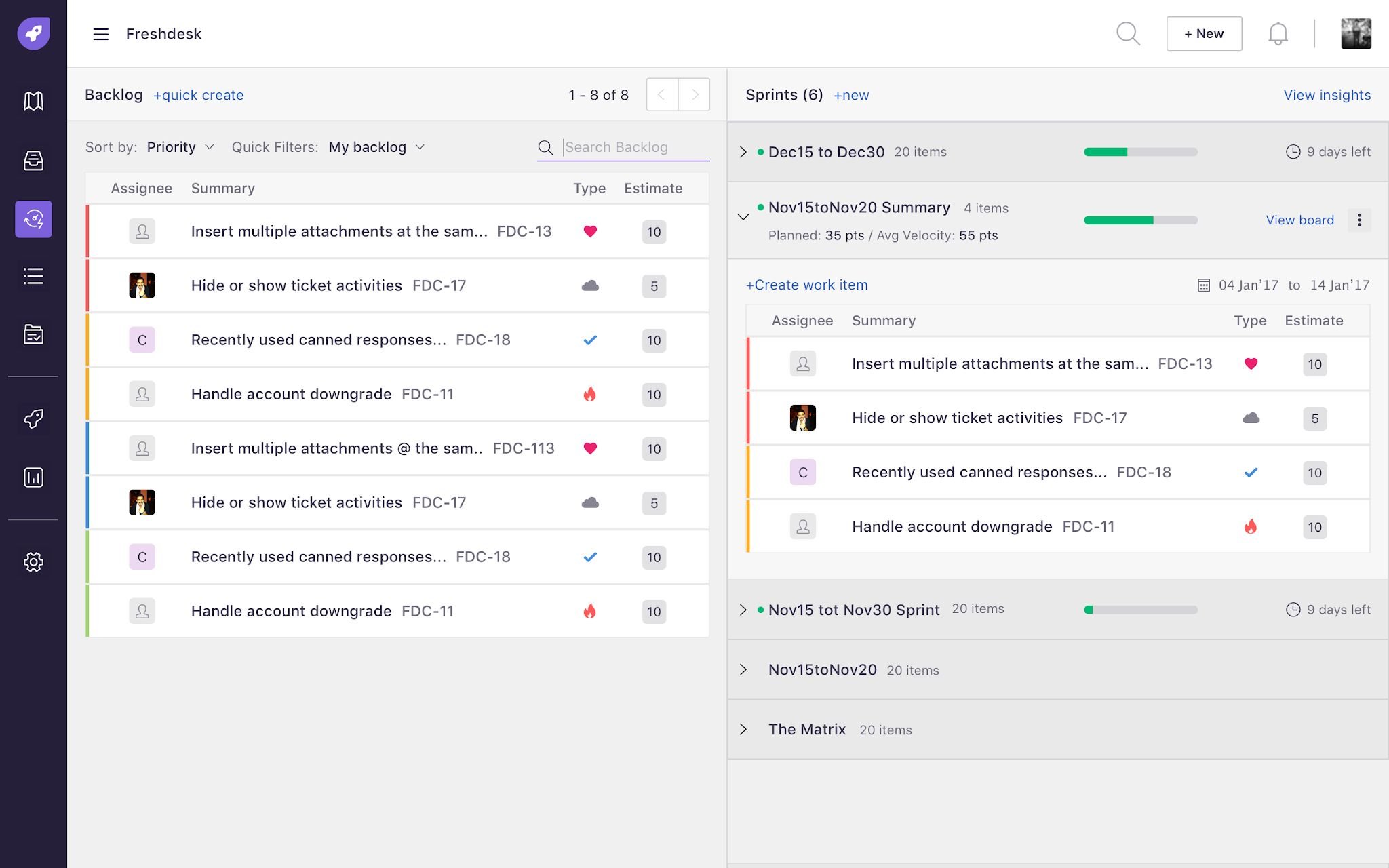
Prioritization happens in the room.
We sat in on real sprint planning sessions. PMs and engineers re-ranked the backlog live, while planning.
Our assumption was wrong. We thought PMs groomed the backlog ahead of time and the team just pulled from it. In reality, people kept jumping between the backlog page and the sprint page. A huge list was hard to rank, and they lost the epic context every time they switched. Two pages could not work. It had to be one.
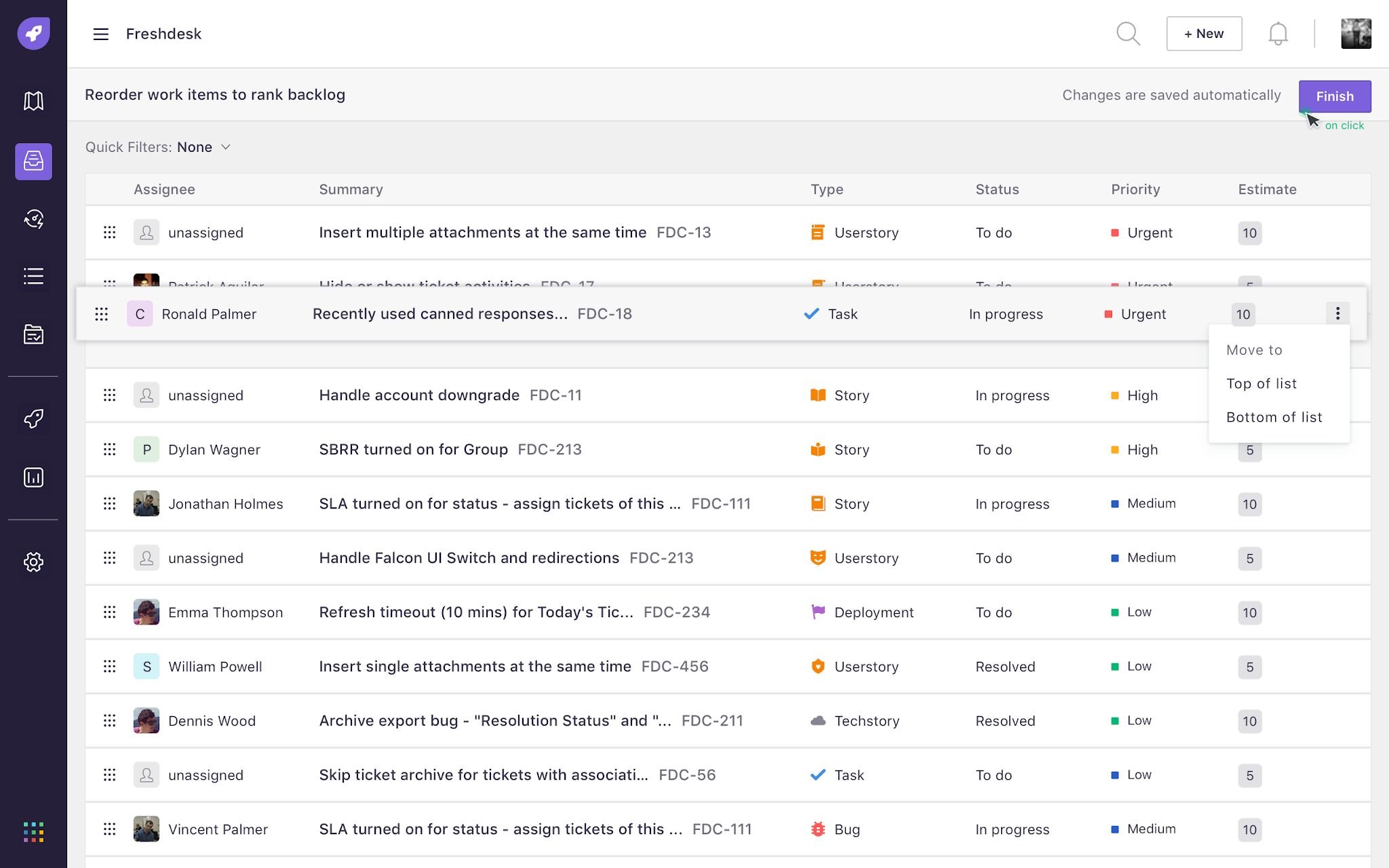
What one screen had to do.
I studied Jira, Targetprocess, VersionOne, Zoho Sprints, Scrumpy and others, then listed what a single planning screen had to support.
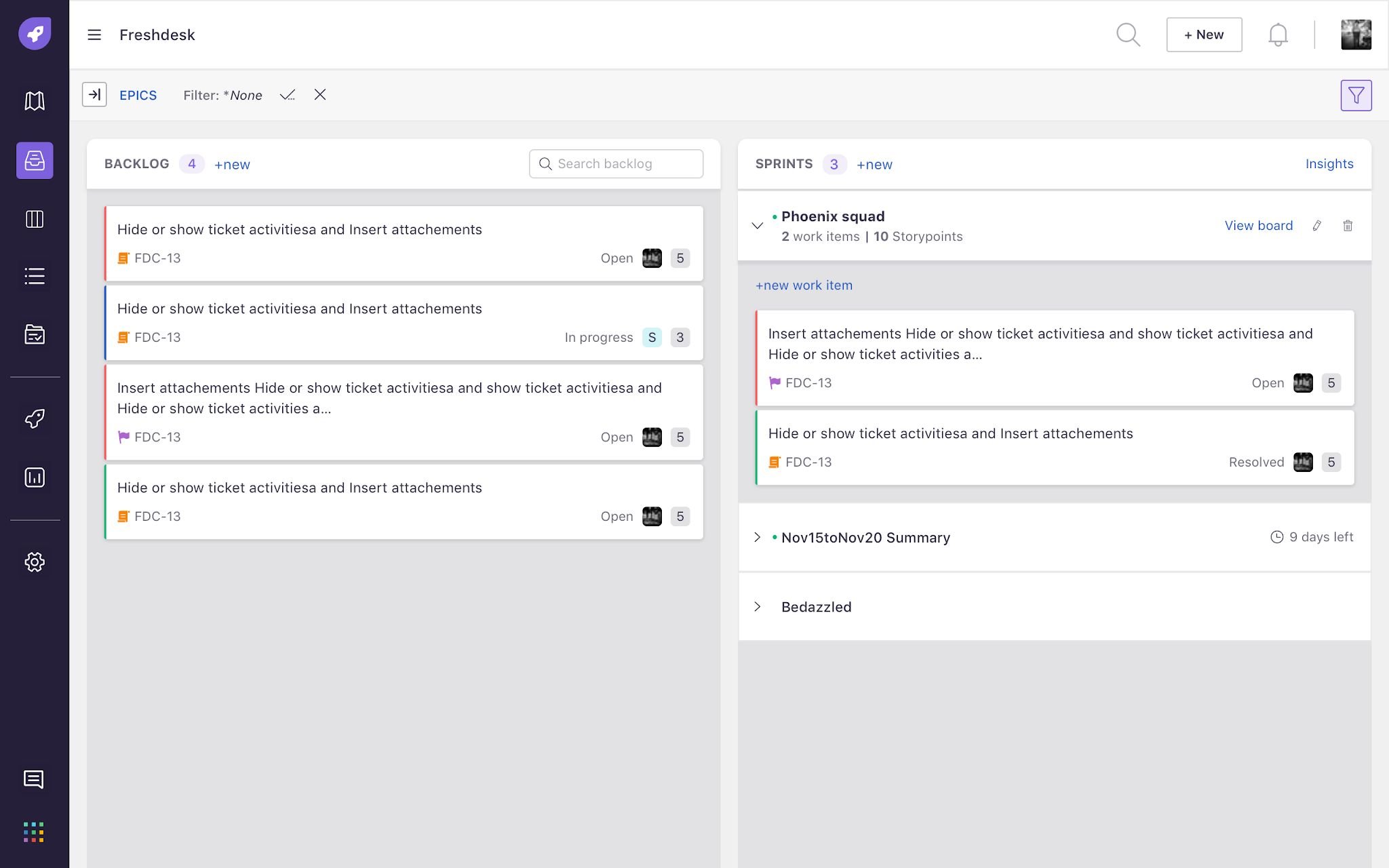
Epics, backlog and sprints on one screen.
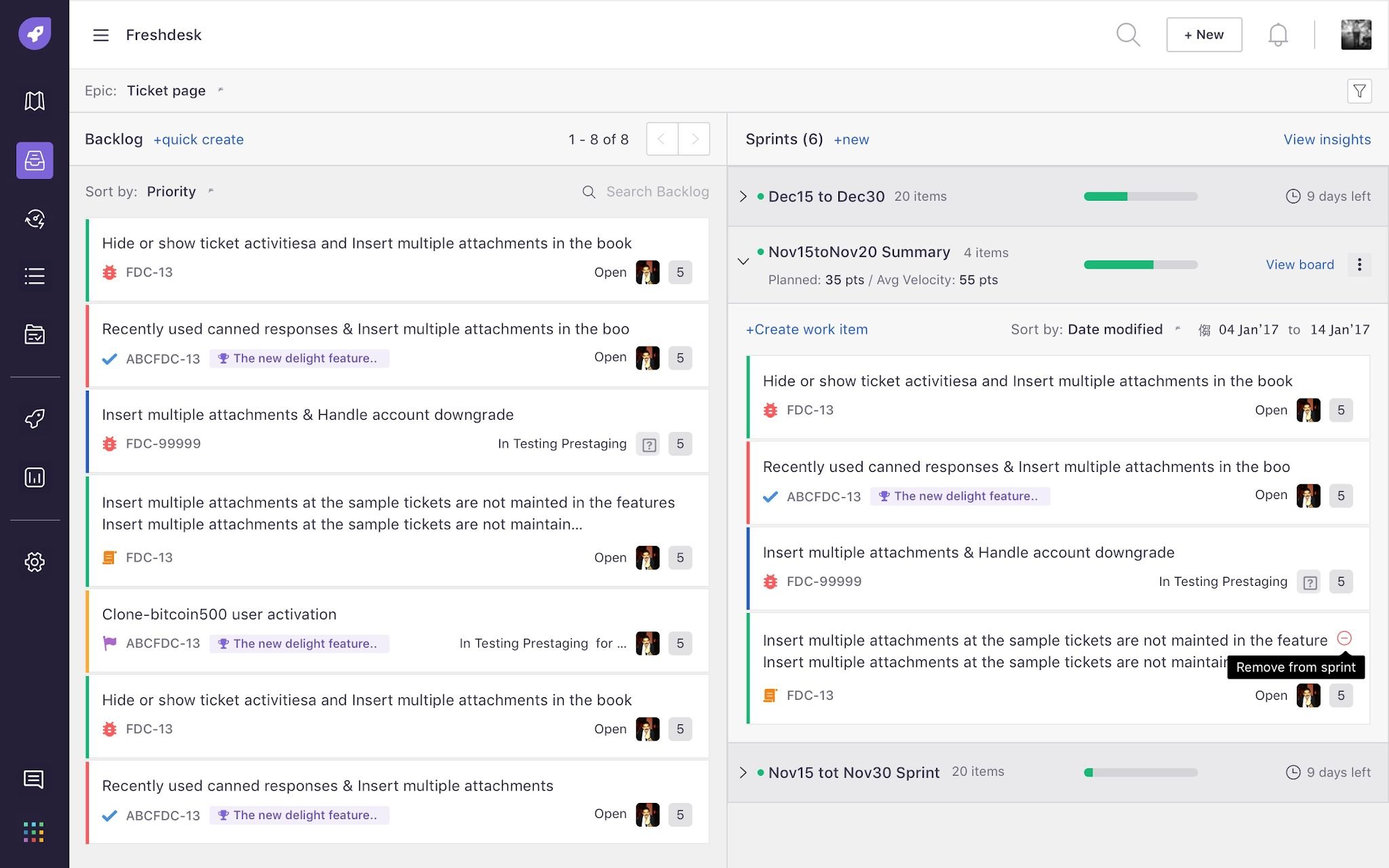
A three-pane layout that reads like a flowchart, from big items to small: epics on the left, the backlog in the middle, sprints on the right. Pick an epic and both lists filter to it. Drag to rank, then drag into a sprint.
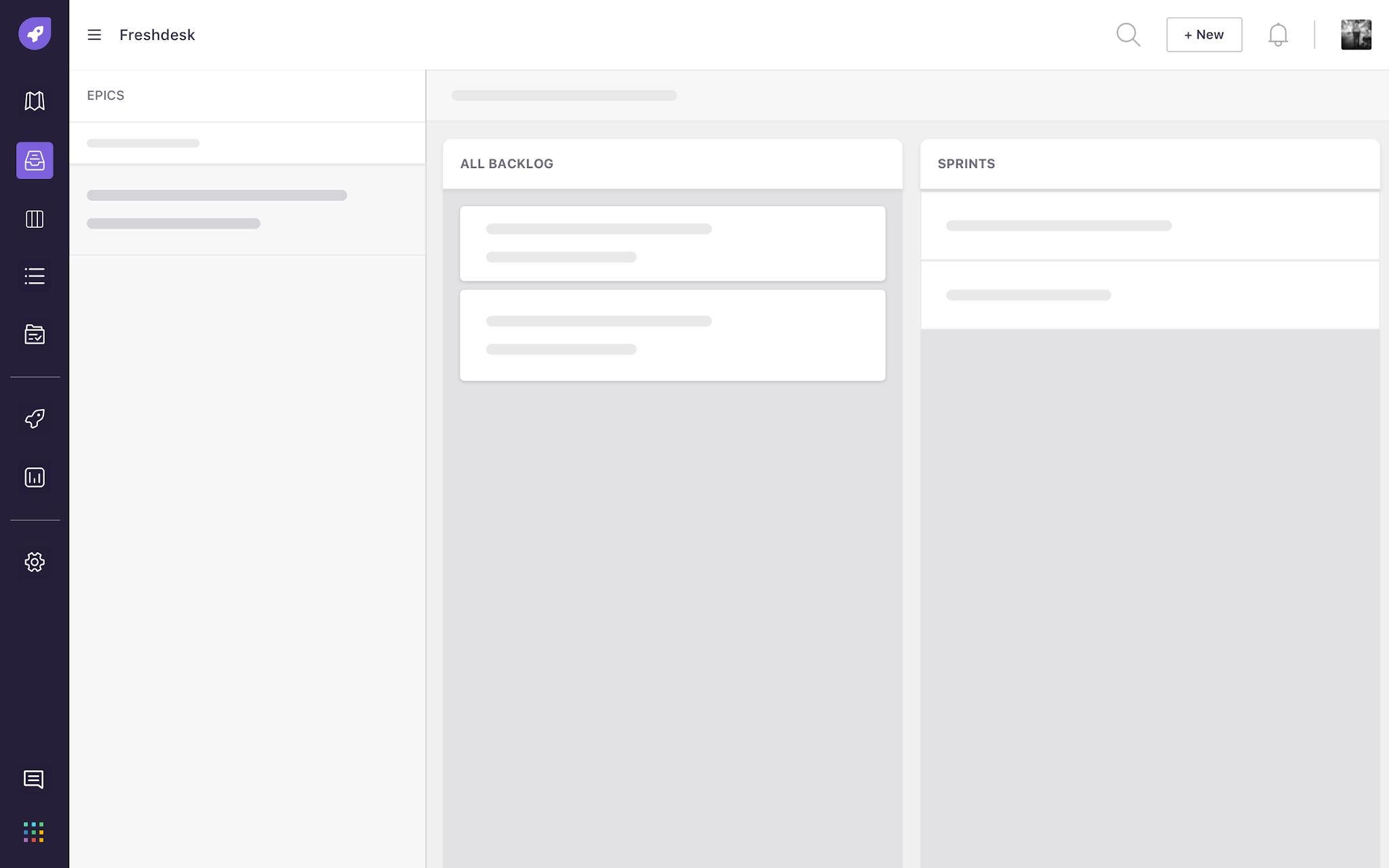
The planning flow it supports
Hard calls, and why.
Cards instead of a table
Backlog items became compact cards carrying the same fields as the old table.
Infinite list instead of pages
The backlog loads as one long list, fetched in chunks as you scroll.
Epic tags on every item
Each backlog card shows its epic, even when no epic is selected.
No dropping items onto epics
Items move between backlog and sprints, not into epics.
Epic picker: dropdown or panel?
First we tried epics as a dropdown to save space. It hid the epic list, which was the context people needed most. We moved to an epic pane you open when you need it.
Thousands of items, no lag.
- Smooth drag and drop across thousands of backlog items built up over months.
- Lazy loading so the page renders and scrolls fast without crashing.
- Hover actions for quick assign, move to top or bottom, and move to sprint, so long drags are rarely needed.
700 customers in the first 3 months.
- Ranking went up. Teams ranked more often, measured by calls to the ranking service.
- Planning with context. Teams planned sprints without losing the epic.
- Customers loved it. In validation sessions, they called out the interface and the interactions.