 Ghanesh RS
Kural: a daily voice practice my mother can do alone
Kural (குரல்) means voice in Tamil. One big button, a guiding voice, and a lamp that grows as she speaks louder. A tick and a bell the moment each step is done. About 3 minutes a day.
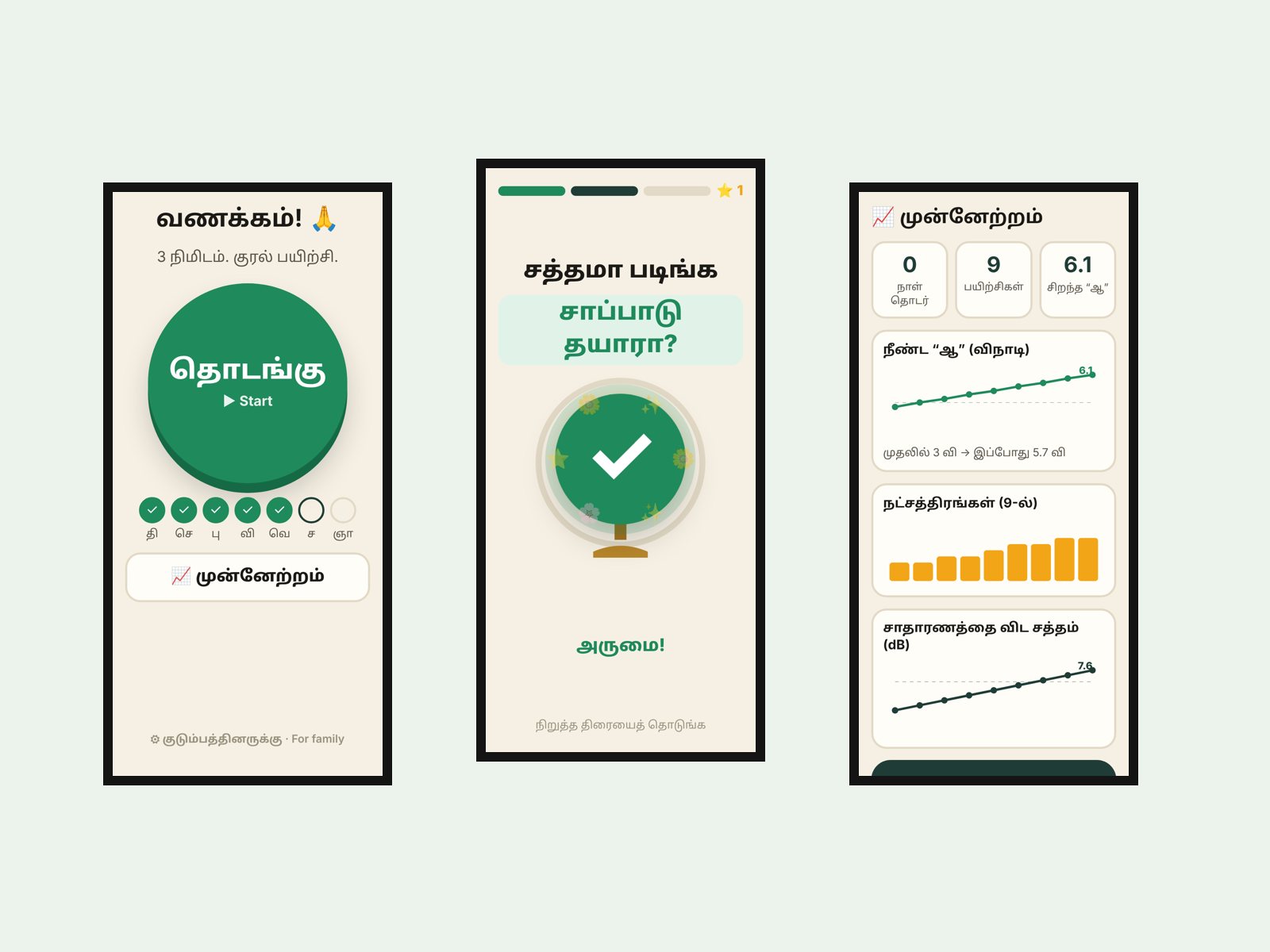
Use it right here.
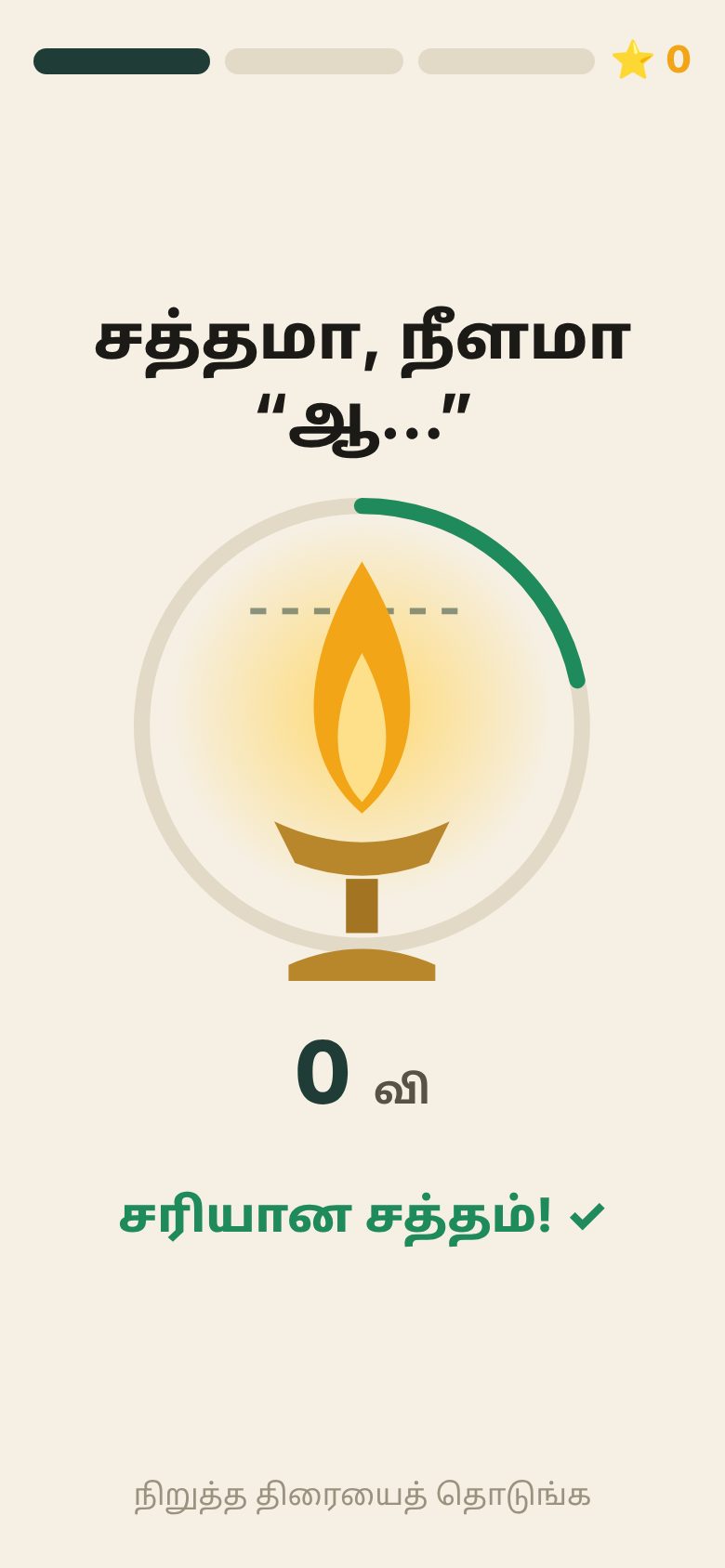
This is the real app in a phone frame. Pick a language, tap the big green button and allow the microphone. Say a long “Aah” and watch the lamp.
Everything stays on the phone. Best in Chrome on Android.
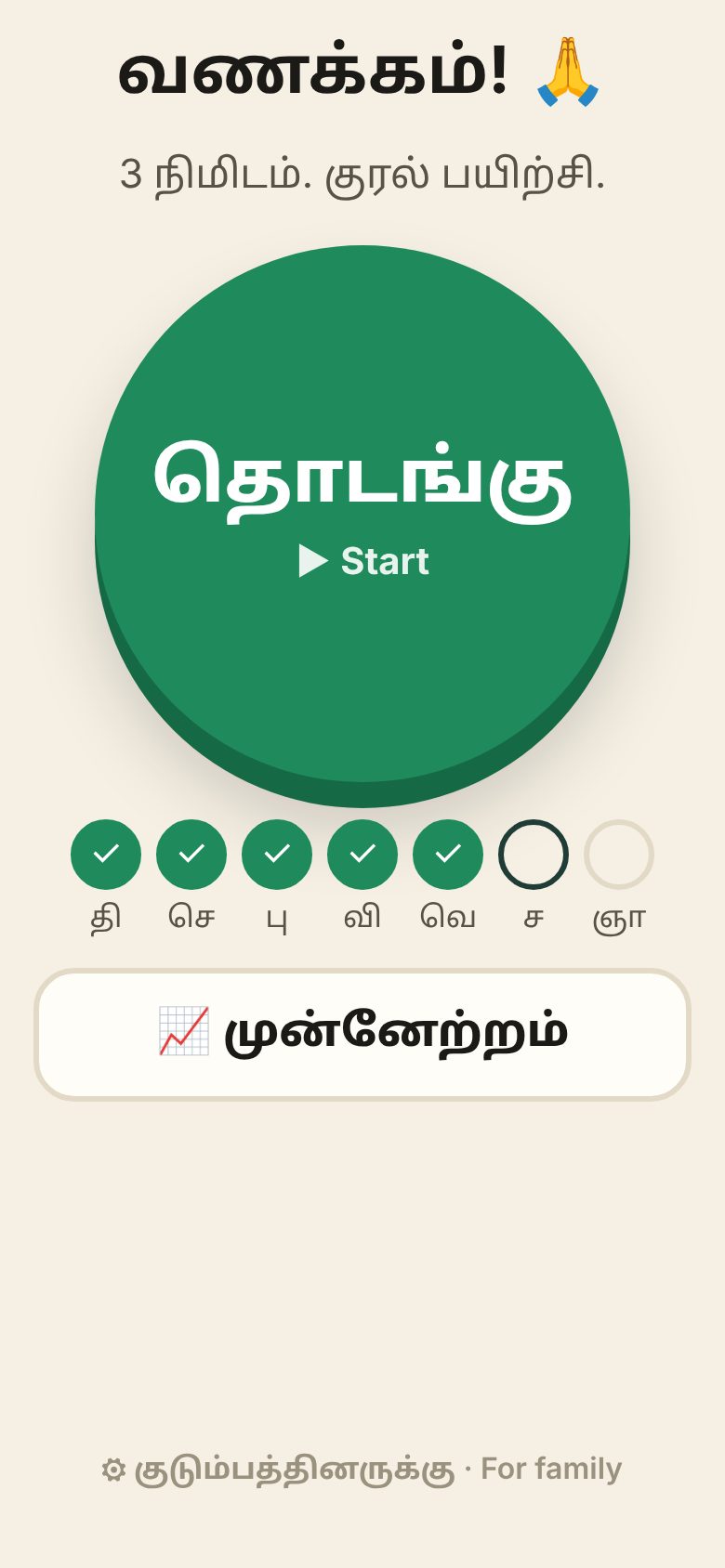
One button. One step at a time.
A soft voice, and exercises nobody does alone.
My mother's voice has grown soft. Speaking loudly, every day, is the practice. But a sheet of exercises needs reading, timing and someone to say “louder”. She would not do that alone, and I am not there every day.
So the brief was simple: a daily practice she can do on her own, in her language, that tells her right away when she is loud enough.
Five versions in three days.
A meter and a workout
Calibrates her normal voice, a live loudness meter, Aah holds, voice glides, Tamil and English phrases, a progress chart and a WhatsApp summary.
“It did not hear me”
I said my name again and again on my laptop. Nothing. The app spoke its own prompt while measuring the room, so it took its own voice as noise. Now it waits for each prompt to finish.
Rethink for her
v1 still asked too much: small text, many choices, a Next button. v2 has one big button, moves on by itself, a lamp instead of a meter, and a familiar voice.
Fits any phone
Long Tamil words ran off the screen. Text now scales and wraps. On a laptop it opens in a phone frame for testing.
Her language, her progress
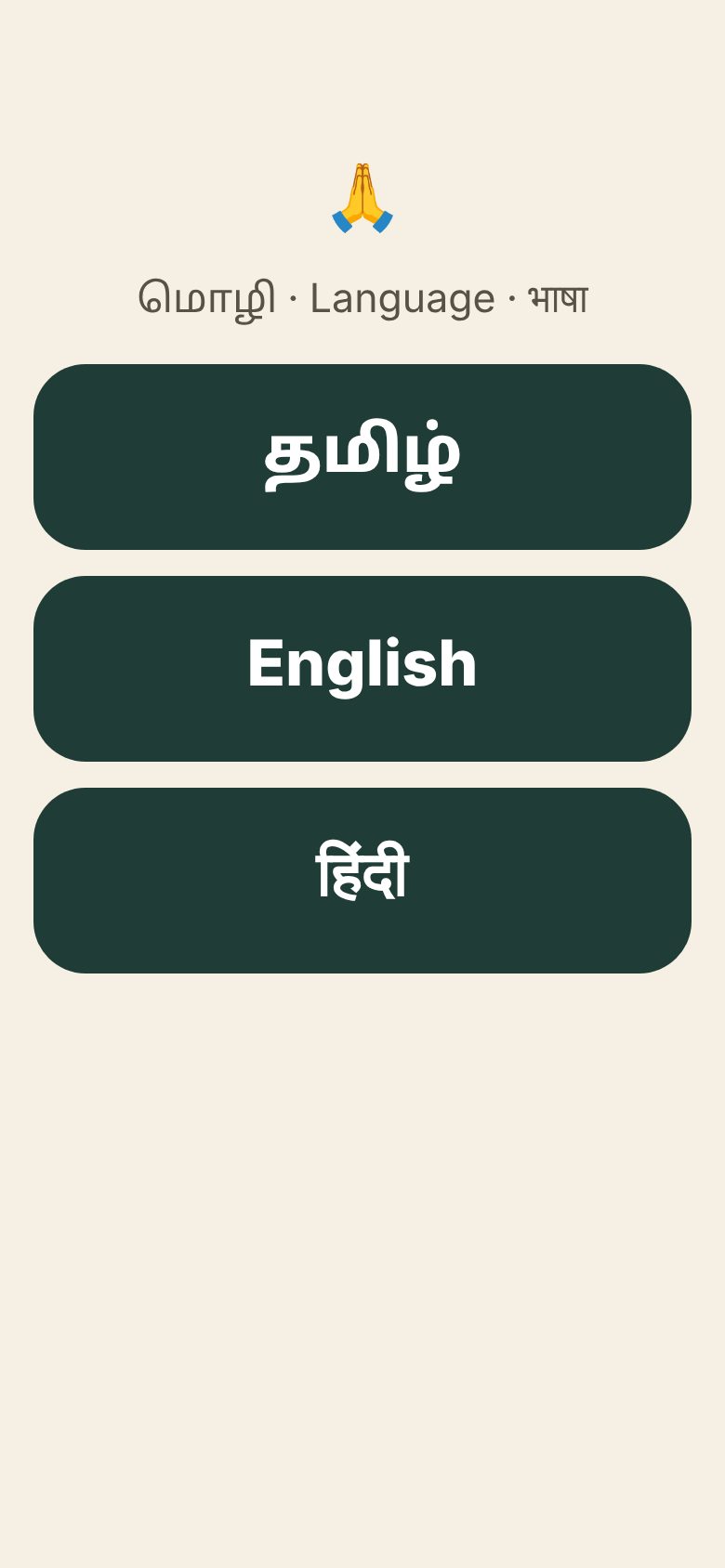
Tamil, English or Hindi, chosen once. A tick, a bell and petals the moment a step is done. Stars, a progress page, and the family can add their own phrases.
“I don't see it as super user-friendly for my mom. Just rethink and come up with something better.” My own note after testing version 1.1.
Small choices for an older user.
One button, not a menu
The home screen has one large Start button and this week's tick marks. Settings sit in a small link at the bottom, for the family.
A lamp, not a meter
A lamp flame grows with her voice and glows gold when she is loud enough. No numbers, no decibels on her screen.
Tell her at once
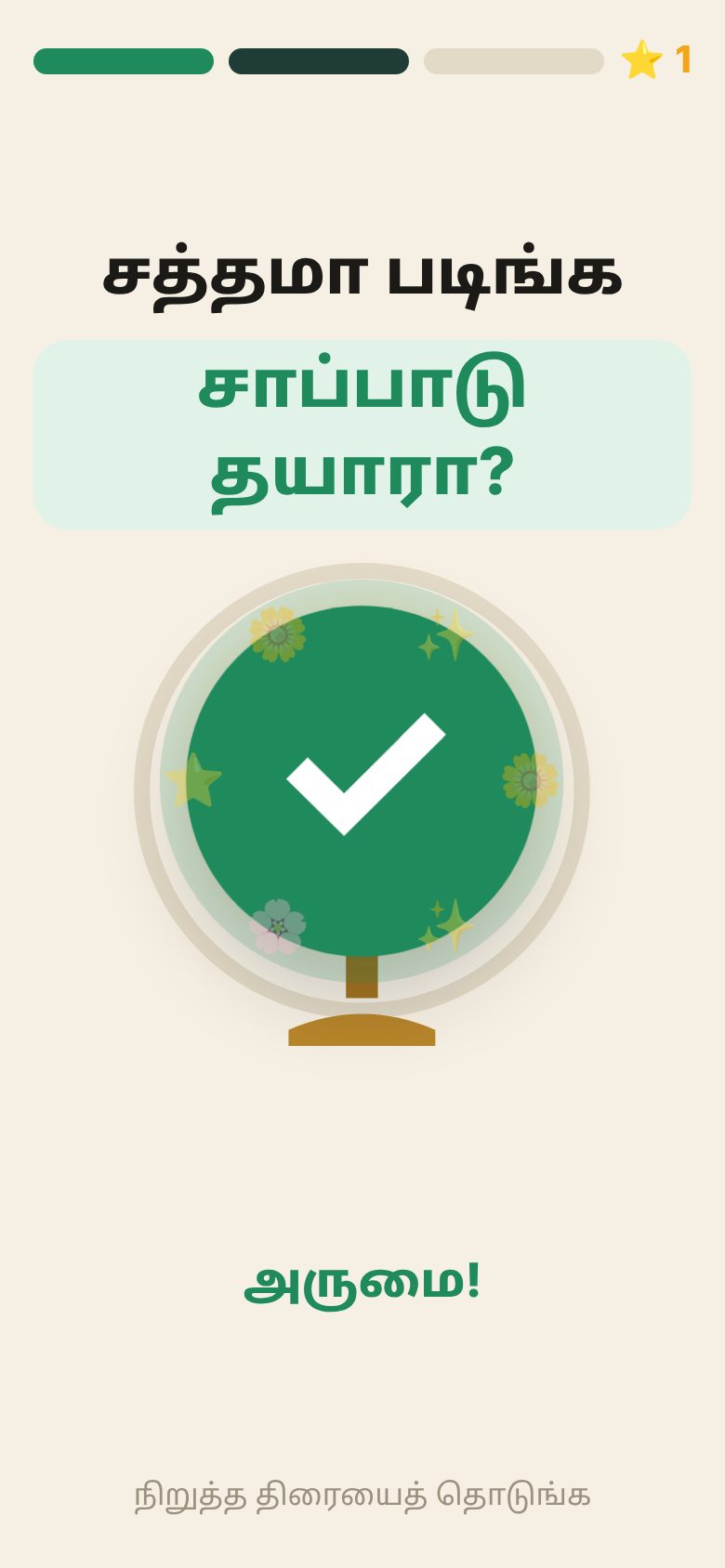
The moment she finishes a phrase loudly: a big green tick, petals, a soft bell and a buzz. Stars add up at the top.
Progress the family can see
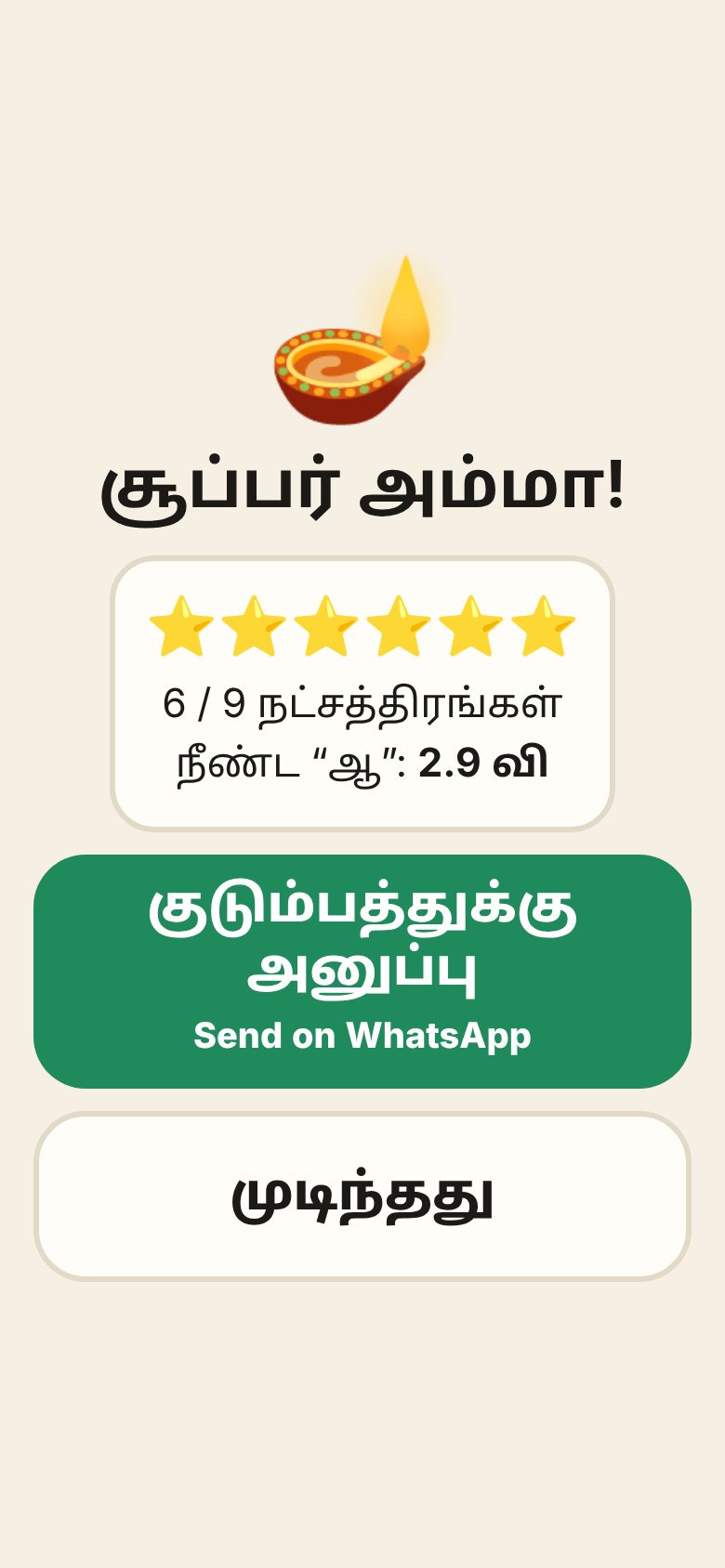
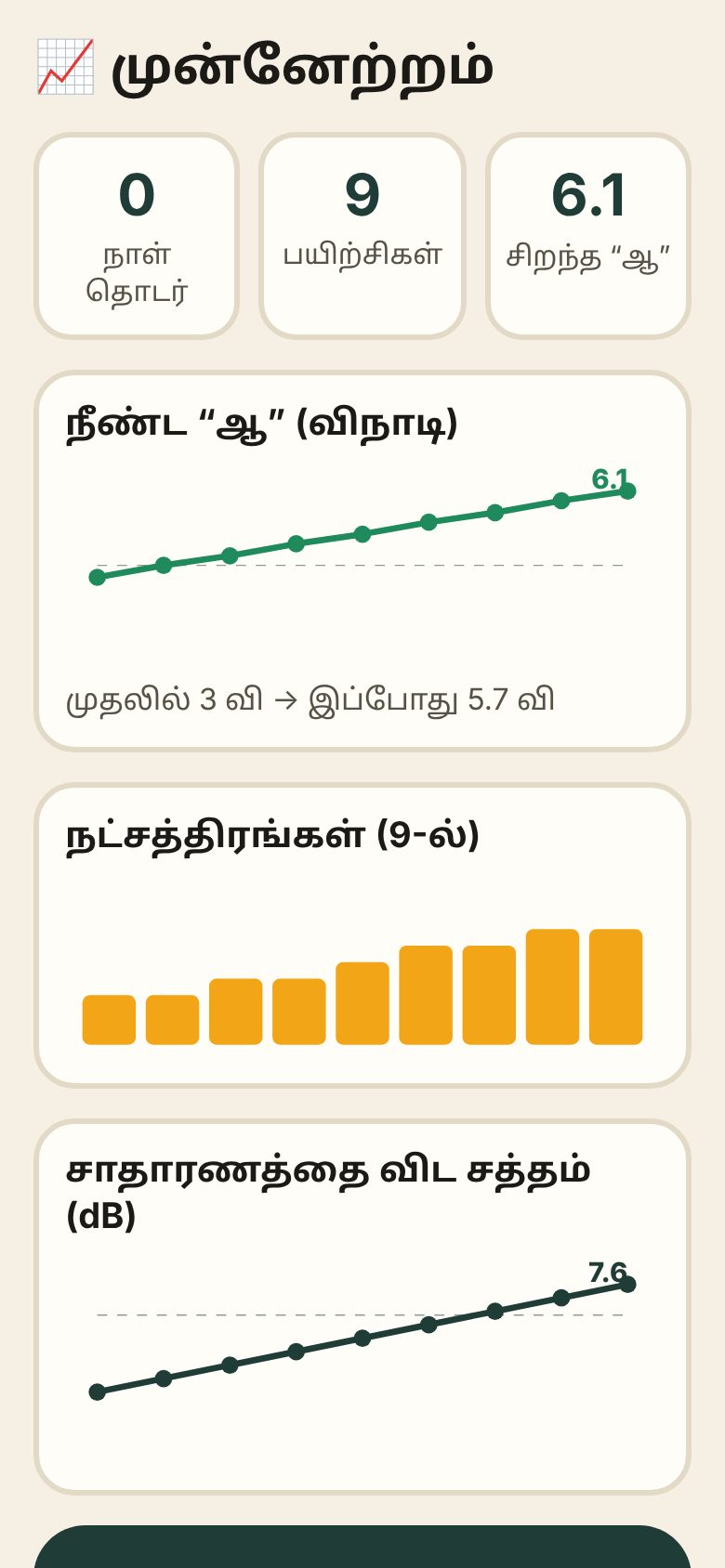
A progress page shows her longest Aah, stars and loudness over days. One tap sends the day's summary on WhatsApp.
Built with AI. Decided by me.
With her, at home.
Not tested with her yet. Results go here, good or bad.
Honest about what's missing.
Can't do yet
- 🎯Checks loudness and length, not words. The tick means she said the whole phrase loud enough, not that every word was right.
- 🩺A practice tool, not treatment. Targets should come from her speech therapist.
- 🎙️Prompts use the phone's voice until the family records them.
Next
- 🗣️Family-recorded prompts in Tamil, English and Hindi.
- ⏰A daily reminder at a time she picks.
- 📱Native Android for on-device word checking.